¶ How to create an XMPP chat account
Note: This service is scheduled to go live in March 2025.
Before you can starting chatting, you have to either enable an existing user account to use the service or create a new user account to use the service.
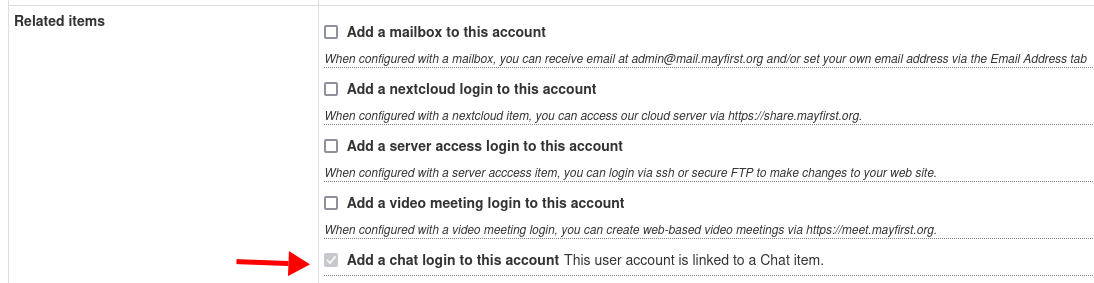
You can do that via the control panel by clicking the User Account tab and either editing an existing user or adding a new user.
In either case, check the clicking the "Chat" service and then clicking Add to add a record for your username.
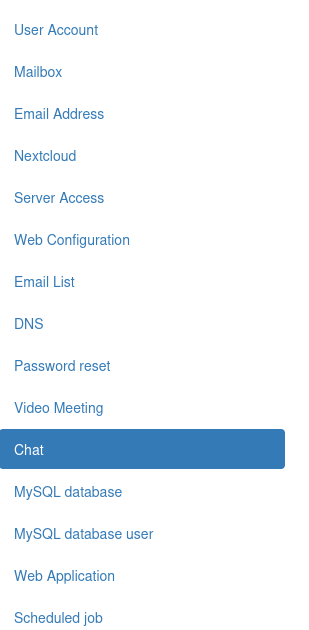
You can also click the "Chat" tab on the left to see a list of user accounts that have chat enabled:
Unlike other May First services, your XMPP login is
username@mayfirst.org. For example, if your username is jsmith, your XMPP "JID" would bejsmith@mayfirst.org. Your password will be the passowrd set for your user account.
See how to use xmpp via the movim web client or install the conversations app on your Android device to learn how to start chatting.